Connect to VPN
Requirements to connect to a VPN server:
WireSock Secure Connectinstalled on your device (see How to set up).- An imported connection profile.
To connect:
Launch WireSock Secure Connect:
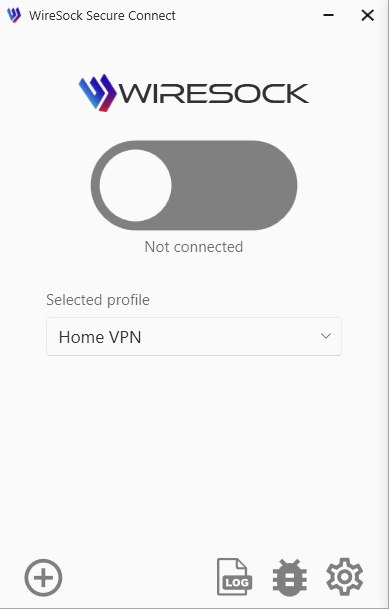
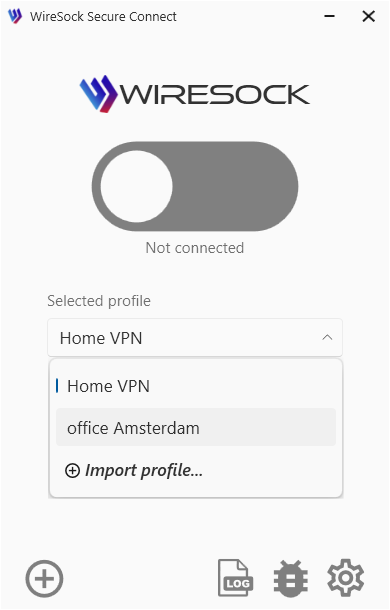
Select the desired connection profile from the combo box:
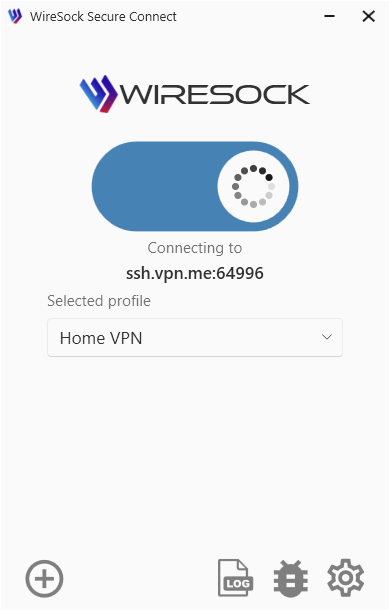
Click or tap the connection toggle.
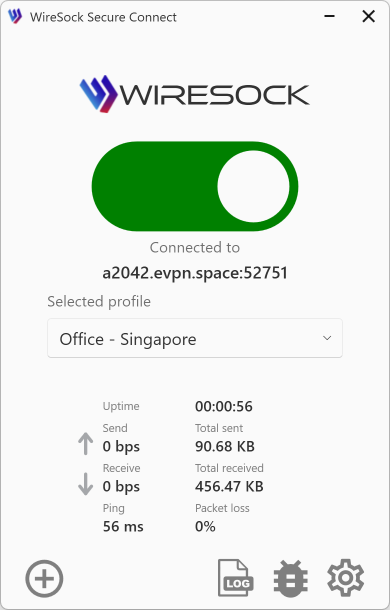
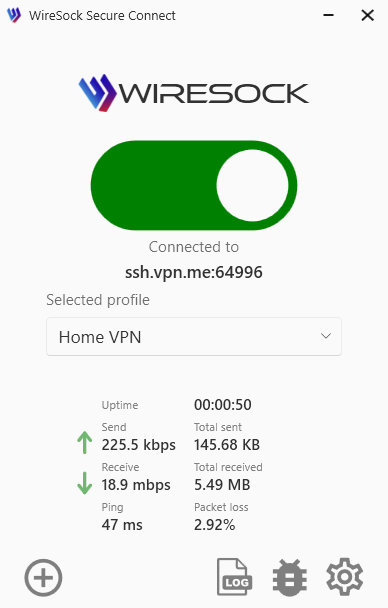
You're connected, and WireSock Secure Connect displays connection statistics.
NOTE
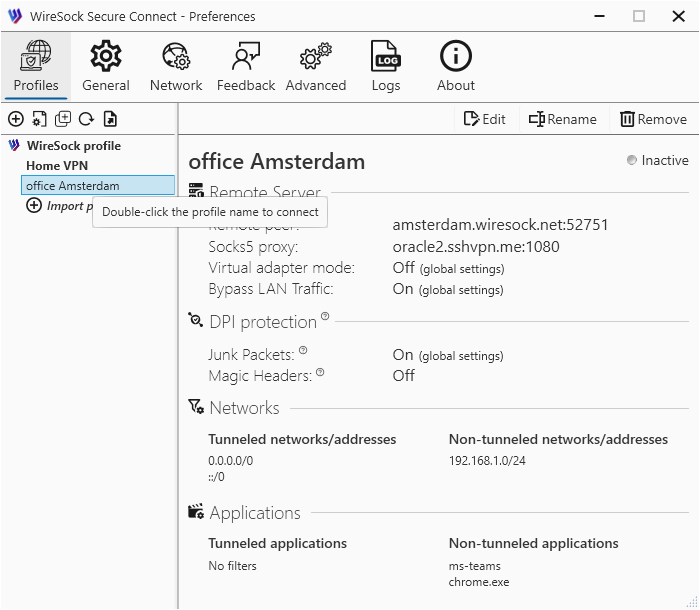
You can also connect by double-clicking the profile name in the Profiles tab of the Settings window.
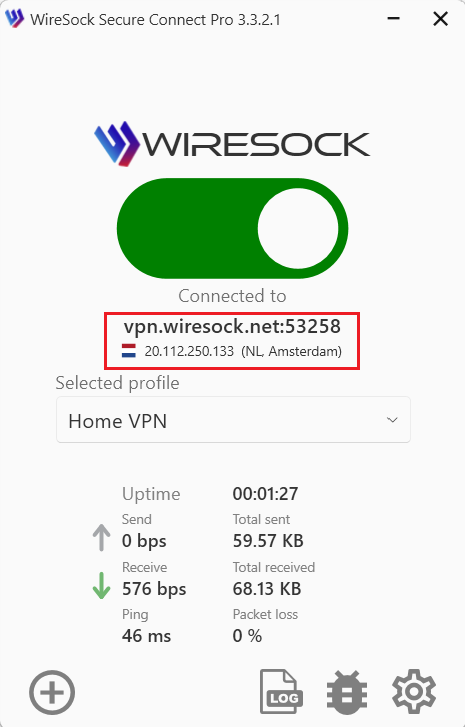
In the main application window and in the system tray tooltip, the application displays information about the DNS name or address of the VPN server you are connected to. It also shows the external IP address of the VPN connection and its geolocation, which is obtained from an external GeoIP database.
NOTE
Currently, we use our own GeoIP database. The application sends a request to wiresock.net to obtain information about the external IP address and its geolocation.
Disconnect from VPN
To disconnect from the WireGuard server, click or tap the connection toggle.
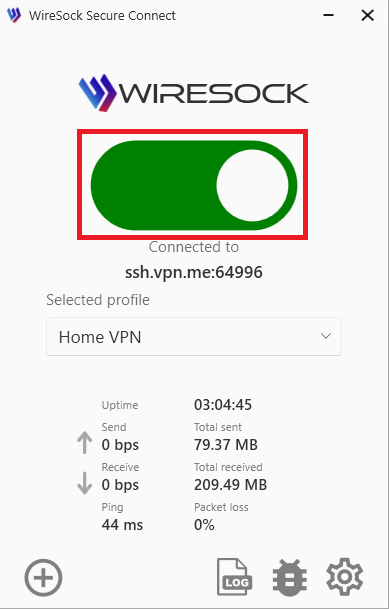
If the Confirmation dialog on disconnect option is enabled, a confirmation dialog will be shown:
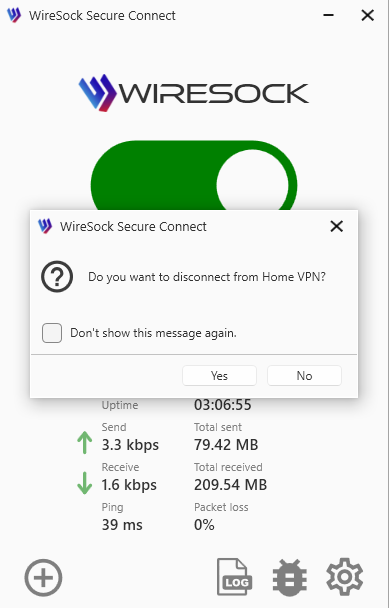
Click Yes to confirm disconnection.
You may also use the tray context menu:
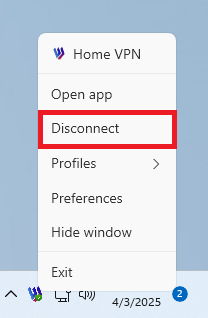
NOTE
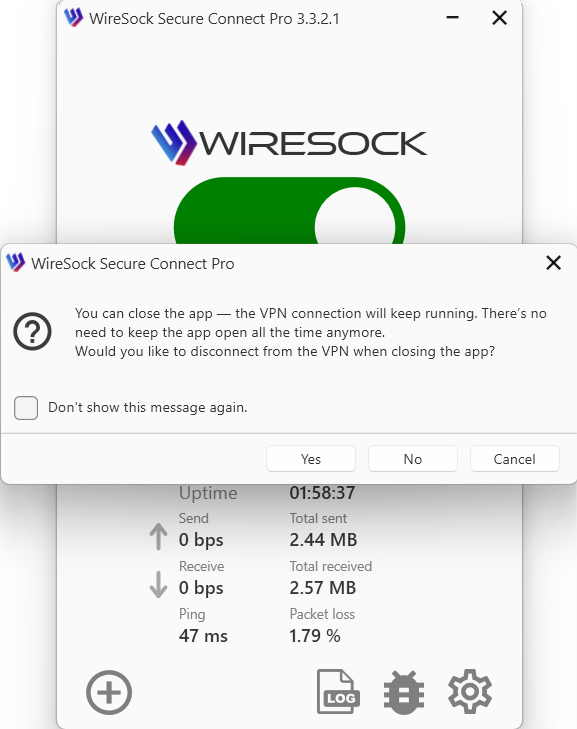
Starting with version 3.x, you can fully close the application UI while keeping the VPN connection active.
To do this, perform one of the following actions:
Select
Exit appfrom the system tray menu;Close the main application window if the Minimize app to tray on close option is disabled.
After that, a dialog will appear asking whether to keep the VPN connection active after closing the application or to disconnect. If you choose “Continue”, the VPN connection will remain active even after the application is closed.